

You want tools that reduce busywork, keep your books clean, and stop tax season from being a scramble. Buying a lifetime license for the right tax and finance tool can save you money over time, simplify reporting, and give you confidence that your finances are audit-ready.
This list focuses on lifetime deals that deliver meaningful long-term value: software that automates bookkeeping, handles invoices and payments, scans receipts with AI, or consolidates business finances so you can spend less time on admin and more time growing your business.
Top Picks
Category | Product | Score |
|---|---|---|
🏆 Best For Bookkeeping | 88/100 | |
💰 Best For Global Payments | 75/100 | |
🎨 Best For White-Label Invoicing | 72/100 | |
🚀 Best All-In-One Suite | 80/100 | |
🎯 Best For Expense Scanning | 92/100 |
How We Chose These Tools
You need software that actually reduces friction. We focused on tools that deliver long-term value through a combination of: real bookkeeping and tax-ready features (reports, P&L, expense tracking), automation and AI to cut manual work, integrations or export options for your accountant, clear lifetime pricing that beats recurring subscriptions, and real-world feedback from users about reliability and support.
We also weighed product maturity and roadmap: a cheap lifetime deal isn’t worth much if the vendor won’t fix critical bugs or add core features you’ll need before 2026.
🏆 Best For Bookkeeping
Tabby
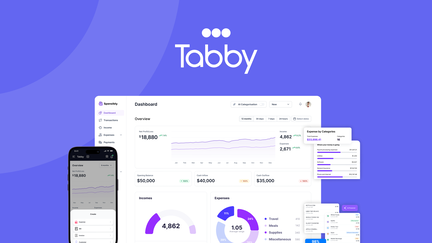
Tabby is an AI-powered bookkeeping app that makes everyday accounting feel a lot less like a chore. You can connect bank accounts fast, scan receipts from your phone, and generate a P&L or tax‑ready report in a few clicks. It works well for daily tasks like categorizing expenses and reconciling transactions, and it’s handy during tax season or when you need quick financial snapshots for a meeting or loan application.
If you want something simpler than traditional accounting software but still powerful enough for an LLC or small portfolio of projects, Tabby is worth trying.
What People Say
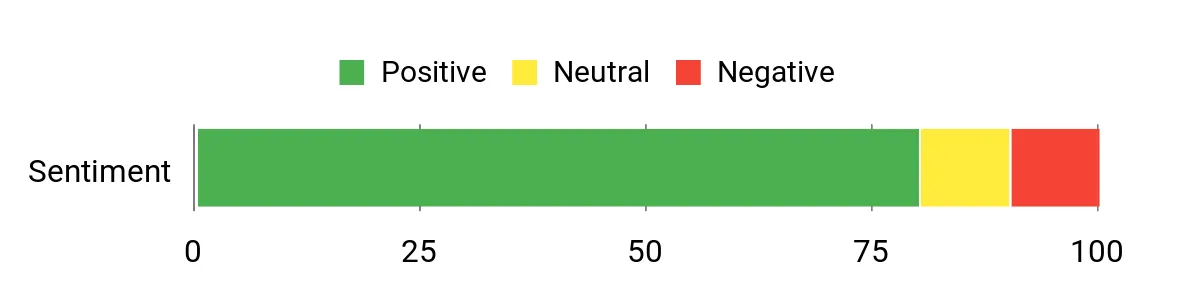
Users frequently praise Tabby’s clean interface, speedy bank connections, and AI-driven categorization. People also like the quick P&L and tax-ready reports, while several users note a few missing features (like payment collection/Stripe and deeper customization) that are on the roadmap.
Overall Sentiment: Positive
🗣️ sayef2431
I heard of Tabby from a friend and wanted an AI bookkeeping tool to move off spreadsheets. The UI is clean, bank connections are the fastest I’ve seen, P&L is generated in a few clicks, tax‑ready reports are useful, and the mobile app makes receipt scanning easy. Support replies quickly too.
🗣️ COMOWebDesigns
I’ve been searching for an alternative to Wave and QuickBooks. The UI and AI auto-categorization impressed me, and I had no issues linking bank accounts. Stripe integration is missing but is on the roadmap.
Situations
Situation | How It Helps |
|---|---|
Small Business Bookkeeping | Automates routine tasks, gives quick P&L and tax-ready reports so you can focus on running the business instead of balancing spreadsheets. |
Freelancers & Solopreneurs | Simple UI and receipt scanning let you track expenses and find deductions without accounting knowledge. |
Real Estate Owners | Imports bank transactions and categorizes property income/expenses; support is responsive if you need help with imports. |
Ease Of Use
Feature | Ease Level |
|---|---|
Setup | Easy |
Bank Connections | Easy |
Receipt Scanning | Easy |
Report Generation | Easy |
Usability
Aspect | Ease Level | Notes |
|---|---|---|
User Interface | Easy | Clean and beginner-friendly |
Reporting | Easy | P&L and tax-ready reports generated quickly |
Customization | Moderate | Chart of Accounts custom grouping is limited |
Mobile App | Moderate | Good for scanning receipts but some linking features require the web app |
Integrations
Software | Integration Quality |
|---|---|
Bank Connections (Plaid/Direct) | High |
Stripe | Planned |
Payment Collection | Planned |
Other Accounting Tools | Moderate |
Collaboration
Tabby supports basic team and client workflows, but note that certain licenses (like AppSumo) may be limited to a single business. Some users mentioned client access and multi-business switching are on the roadmap.
Reporting & Analytics
Reports are fast to generate—users highlight speedy P&Ls and a useful tax‑ready report. A cash flow statement is a commonly requested addition.
Key Benefits
- Fast bank connections and automated categorization
- Quick P&L and tax‑ready reporting
- Mobile receipt scanning for on-the-go bookkeeping
- Clean, beginner-friendly interface
- Responsive customer support
Rating: 4.6 (total: 5+)
💰 Best For Global Payments
Dodo Payments
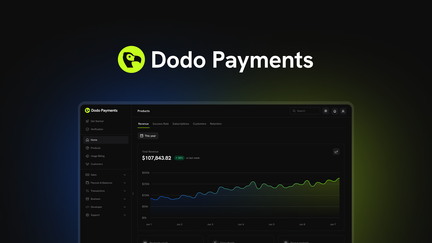
Dodo Payments helps you move past the headache of cross-border billing by acting as the Merchant of Record for international transactions. You can offload compliance, VAT handling, and currency headaches so you focus on selling.
It’s useful day to day if you run subscriptions or usage-based billing—customers see localized checkout and you get consolidated payouts—and it’s especially handy when you launch in a new market or test a global promo. If you want a simpler way to accept payments worldwide without getting buried in tax rules and banking paperwork, Dodo Payments is worth a look.
What People Say
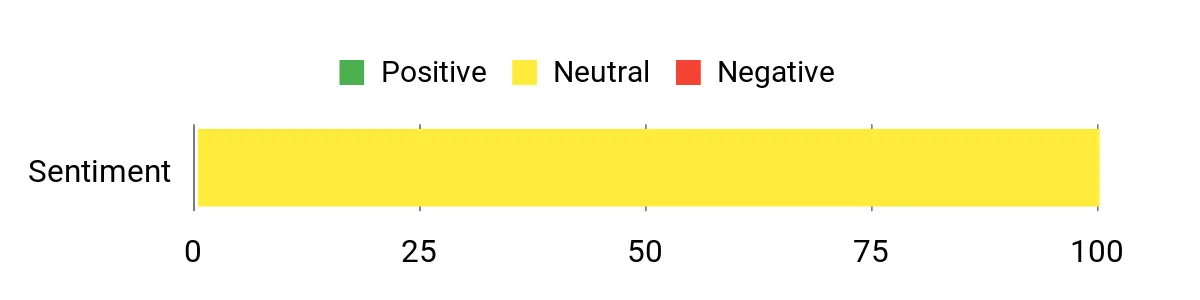
There aren’t many public reviews yet on the listing, but early feedback and product notes point to solid handling of international subscriptions and cleaner compliance because Dodo acts as Merchant of Record. Users say it reduces the administrative burden of VAT and cross-border payouts, though some mention a short onboarding curve while mapping billing models.
Overall Sentiment: Neutral
Situations
Situation | How It Helps |
|---|---|
SaaS With Global Subscribers | You can bill recurring customers in their local currency without setting up local entities, and Dodo handles tax and compliance complexities. |
Ecommerce Selling Internationally | Localized checkout and currency handling cut down on abandoned carts from international buyers. |
Agencies Billing Clients | Usage-based invoicing and consolidated payouts simplify client billing across regions and reduce reconciliation time. |
Ease Of Use
Feature | Ease Level |
|---|---|
Account Setup | Moderate |
Dashboard | Easy |
Recurring Billing Setup | Moderate |
Payouts | Easy |
Usability
Aspect | Ease Level | Notes |
|---|---|---|
Onboarding | Moderate | Some mapping of plans and tax settings required up front |
Admin Dashboard | Easy | Clear views of revenue, customers, and invoices |
Billing Flexibility | Moderate | Supports subscriptions and usage billing but advanced custom flows may need support |
Compliance Handling | Easy | Merchant of Record setup reduces your compliance workload |
Integrations
Software | Integration Quality |
|---|---|
Payment Gateways / Processors | High |
Ecommerce Platforms | Moderate |
Accounting Tools | Moderate |
Webhooks / API | High |
Collaboration
Supports team access and role-based permissions so multiple people can manage billing and view reports without sharing credentials.
Reporting & Analytics
Provides consolidated reporting across regions, recurring revenue metrics, and payout summaries to make reconciliation and tax prep easier.
Key Benefits
- Handles cross-border payments and currency conversion
- Supports recurring and usage-based billing models
- Acts as Merchant of Record to simplify compliance
- Localized checkout reduces friction for international customers
- Consolidated reporting and payouts for easier reconciliation
Rating: (total: +)
🎨 Best For White-Label Invoicing
Invoiless
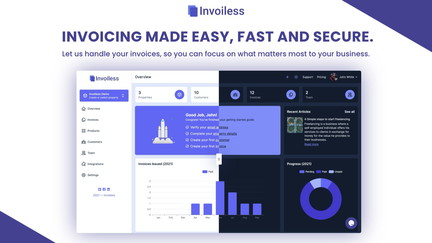
Invoiless is a straightforward, white-label invoicing platform made for freelancers, small businesses, and developers who want to send polished invoices without fuss. You can set up recurring invoices, manage multiple businesses, track income and expenses, and use a custom domain so invoices look like they came straight from your brand. Day to day it’s great for automating monthly billing, sending estimates, and keeping client records tidy.
For special occasions — like end-of-quarter reporting or a big client rollout — you can generate reports, remove the platform logo (if configured), and use API/webhooks to plug into your workflows. If you want simple invoicing that looks professional and keeps things automated, Invoiless is worth considering — just be aware some users mention support response times.
What People Say
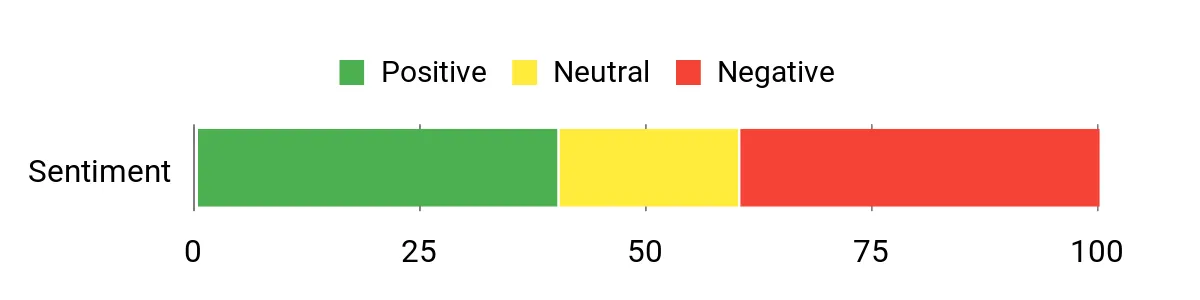
Users praise Invoiless for being simple to use and for reliable recurring invoices that run in the background. Positive feedback highlights white-label capabilities and helpful automation, while some users raise concerns about support responsiveness and occasional display of the platform logo.
Overall Sentiment: Mixed
🗣️ Zabou_Loum
Helped me switch from a clunky, non-French-friendly tool. The interface is simple, support corrected a French sentence for me, and recurring invoices plus estimates work exactly as I needed.
🗣️ ssthzackgoh
Set up once and recurring invoices run without manual checks — that automation saved me time and keeps clients billed on schedule.
Situations
Situation | How It Helps |
|---|---|
Freelancer Managing Monthly Clients | You can set up recurring invoices once and let them run, so you stop chasing payments and spend more time on projects. |
Small Business Doing Quarterly Reporting | Built-in reports and income/expense tracking make end-of-quarter reconciliation and tax prep easier. |
Developer Integrating Invoicing Into an App | API access and webhooks let you automate invoice creation and payment flows directly from your product. |
Ease Of Use
Feature | Ease Level |
|---|---|
Account Setup | Moderate |
Dashboard | Easy |
Recurring Invoices Setup | Easy |
White-Label Customization | Moderate |
Usability
Aspect | Ease Level | Notes |
|---|---|---|
Onboarding | Moderate | Basic setup is quick, but connecting custom domains and advanced settings may take a bit longer. |
Recurring Automation | Easy | Users report recurring invoices run reliably once configured. |
Customer Portal | Easy | Clients can view invoices and make payments without you needing to intervene. |
Support | Difficult | Several users mention slow or unresponsive support during issues with invoices or display problems. |
Integrations
Software | Integration Quality |
|---|---|
Stripe | High |
GoCardless | High |
PayPal | High |
API / Webhooks | High |
Collaboration
Supports unlimited team members and a shared customer portal so multiple people can manage invoices and payments without passing credentials.
Reporting & Analytics
Includes income & expense tracking and report generation to help with bookkeeping, client billing summaries, and tax prep.
Key Benefits
- White-label options and custom domain to keep invoices on-brand
- Unlimited recurring invoices and estimates for hands-off billing
- API access and webhooks for developer integrations
- Income and expenses tracking plus report generation
- Customer portal and unlimited team members for shared operations
Rating: 4.36 (total: 73+)
🚀 Best All-In-One Suite
Agiled
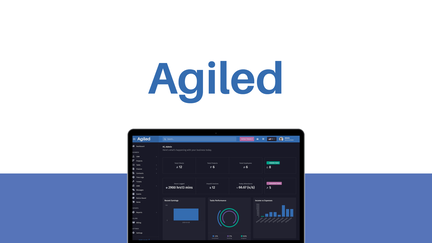
Agiled is a single place to manage clients, projects, invoices, proposals, payments, and your team so you don’t have to jump between five different apps. Day to day, you can use it to track leads, send estimates, run projects, and accept payments from one dashboard.
For special moments like end-of-quarter reporting, client launches, or onboarding a new hire, Agiled lets you pull reports, share client portals, and white‑label the experience so everything looks on-brand. It’s practical for freelancers who want fewer tools, and for small agencies that need a consolidated workspace.
If you want fewer tabs and more time, it’s worth trying — just expect a few rough edges in project management that the team is actively addressing.
What People Say
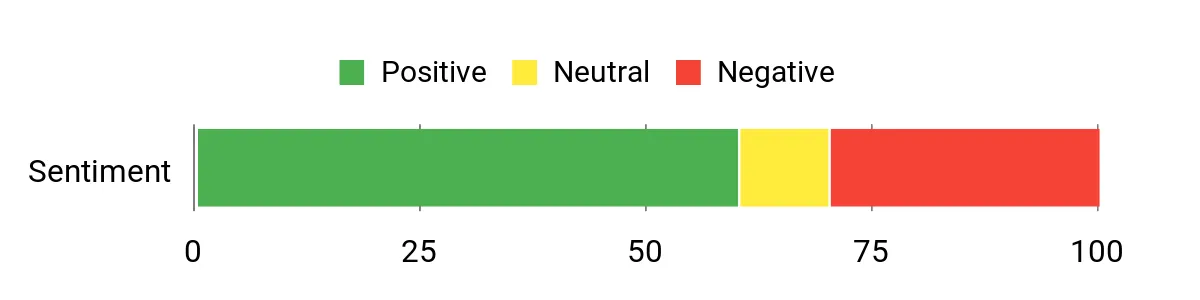
Customers often praise Agiled for combining many business tools into a single platform and for responsive founder-level support. Positive feedback highlights how much functionality is packed in, while some users call out UX issues in the projects module and occasional bugs that the team is working to fix.
Overall Sentiment: Mixed
🗣️ mirko9
It does so much! i have it now a few weeks and i havn`t setup all!!! It works great, after i work with the Customer Service.
🗣️ Camino
I really like the product and more than that I really appreciate how Asad the founder is always to help! Amazing company!
Situations
Situation | How It Helps |
|---|---|
Running a small agency | You can centralize client records, proposals, invoices, and project tasks so your team isn’t switching between multiple apps. |
Preparing quarterly finances | Built-in revenue and expense tracking plus reports make reconciling and tax prep smoother than cobbling data from different places. |
White-labeling work for clients | Custom branding and client portals let you present work and invoices under your own name rather than a third-party app. |
Ease Of Use
Feature | Ease Level |
|---|---|
Account Setup | Moderate |
Dashboard | Easy |
Projects Module | Moderate |
Invoicing & Payments | Easy |
Usability
Aspect | Ease Level | Notes |
|---|---|---|
Onboarding | Moderate | Core setup is straightforward, but configuring white-label options and advanced project settings takes time. |
Project Management | Difficult | Several users report quirks like tasks marking complete unexpectedly and limitations with imports or bulk edits. |
Invoicing | Easy | Creating invoices and estimates is intuitive and integrates with payments. |
Support | Moderate | Founder and team are responsive to tickets, though some fixes can take time to roll out. |
Integrations
Software | Integration Quality |
|---|---|
Stripe | High |
PayPal | High |
QuickBooks | Moderate |
API / Zapier | Moderate |
Collaboration
Team management, shared client portals, and internal messaging let multiple people work on clients and projects together, though some users note occasional delays in the chat/mentions features.
Reporting & Analytics
Includes income and expense tracking, basic revenue reports, and client billing summaries to support bookkeeping and tax prep.
Key Benefits
- Manage clients, projects, invoicing, and payments from one dashboard
- White-label options to keep client-facing items on brand
- Built-in proposals, contracts, and customer portal for client workflows
- Expense tracking and revenue reports to help with bookkeeping
- Team and communication tools so multiple people can collaborate
Rating: 4.0 (total: 5+)
🎯 Best For Expense Scanning
SparkReceipt
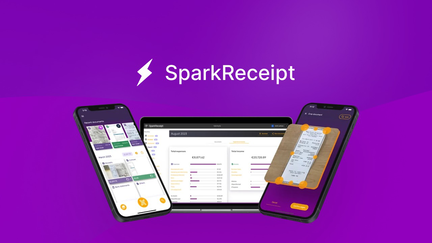
SparkReceipt helps you ditch shoeboxes and spreadsheet chaos by turning receipts into searchable, organized records. You scan or forward email receipts, and the app uses OCR and AI to pull merchant, date, amount, and tax info so you don’t type everything yourself.
Day to day, you’ll rely on it to log expenses, separate personal and business spending, and generate CSV/Excel or PDF reports for bookkeeping. For special occasions like quarterly taxes, client billings, or preparing documents for an accountant, it saves time by consolidating receipts and letting you invite collaborators. If you want a straightforward way to keep receipts in one place and spend less time on expense admin, it’s worth trying — the scanner is fast and integrations simplify handoffs to accounting tools.
What People Say
Users commonly praise SparkReceipt for saving time on bookkeeping, the accuracy of its OCR, and useful export options. Many highlight the ability to forward email receipts and invite accountants as practical features for small business workflows.
Overall Sentiment: Positive

🗣️ freelancer_jane
Forwarding my email receipts and having them auto-scanned cut my monthly reconciliation time in half. The OCR picks up line items well and exporting CSVs made importing into my accounting software painless.
🗣️ smallbiz_tom
I invited my accountant to the account for a quarterly review — sharing reports and PDFs was simple, and the QuickBooks webhook saved me a bunch of manual entry. Saved credits were big help when processing a month of receipts.
Situations
Situation | How It Helps |
|---|---|
Freelancer tracking monthly expenses | You can snap phone photos or forward invoices, and SparkReceipt extracts details so invoicing and tax prep are much quicker. |
Preparing for quarterly taxes | Generate consolidated CSV or PDF reports to hand to your accountant instead of digging through emails and paper receipts. |
Managing receipts for multiple businesses | Separate business profiles and tagging make it simple to keep transactions distinct across clients or companies. |
Ease Of Use
Feature | Ease Level |
|---|---|
Receipt Scanning | Easy |
Email Forwarding | Easy |
Report Export | Easy |
Account Setup | Moderate |
Usability
Aspect | Ease Level | Notes |
|---|---|---|
Onboarding | Moderate | Basic setup is quick, but mapping categories or connecting accountants benefits from a short walkthrough. |
Daily Use | Easy | Scanning and forwarding are straightforward and processing is typically fast. |
Reporting | Easy | Exports to CSV/Excel/PDF are simple and useful for accountants or tax prep. |
Support | Moderate | Support is responsive for deal-related questions; feature requests may take time to appear. |
Integrations
Software | Integration Quality |
|---|---|
QuickBooks | Moderate |
Webhook | Moderate |
Email inbox forwarding | High |
CSV / Excel export | High |
Collaboration
Invite your accountant or team members to view and export reports, share PDFs, and collaborate on expense categorization for clean handoffs.
Reporting & Analytics
Generate consolidated expense reports in PDF, Excel, or CSV formats and filter by business, category, or date range to simplify bookkeeping and tax prep.
Key Benefits
- Fast OCR + AI extraction to capture key receipt details automatically
- Forward email receipts and scan paper receipts into one cloud inbox
- Exportable reports (PDF, Excel, CSV) for accountants or bookkeeping
- Invite collaborators like accountants for easy review
- Supports multiple businesses and separates personal vs. business expenses
Rating: 4.89 (total: 179+)
FAQ
What Should You Consider Before Buying a Lifetime Tax Or Finance Tool?
You should check compatibility with the systems you already use, confirm available integrations like bank connections and QuickBooks/CSV export, and verify whether the lifetime license covers multiple businesses or only a single account. Look for tools that offer strong security and clear data export options so you can move your records if needed, and read up on the vendor’s roadmap and support responsiveness so you’re not left waiting for essential features. A practical tip is to test the tool with a small set of live transactions and try exporting reports and receipts before you commit to relying on it for an entire tax year.
How Do These Tools Fit Into Your Tax Workflow And Accountant Collaboration?
You can use AI bookkeeping and receipt scanners to reduce manual entry, keep a running P&L and tax-ready reports, and invite your accountant to review or download the same reports and raw exports. Make sure you set up your chart of accounts and tagging consistently from the start so deductions are easy to find, and use mobile receipt capture to avoid lost paperwork.
If you plan to hand over records to a CPA, confirm the tool supports standard export formats like CSV, Excel, or QuickBooks files and offers a way to grant accountant access without sharing your password.
What Are Common Limitations Of Lifetime Deals And How Can You Work Around Them?
Lifetime deals can come with constraints such as limited seats, missing enterprise features, delayed roadmap items, or variable support quality; you should assume some features may arrive later or require workarounds. To protect yourself, keep regular local backups and export copies of your financial data, consider stacking additional licenses if you need more users or businesses, and maintain a simple fallback system (spreadsheets or another invoicing app) for critical workflows. Also factor in vendor stability by checking recent update cadence and community feedback so you won’t be caught off guard if a feature like payments, white‑labeling, or bank linking is still on the roadmap.
What Buyers Prefer
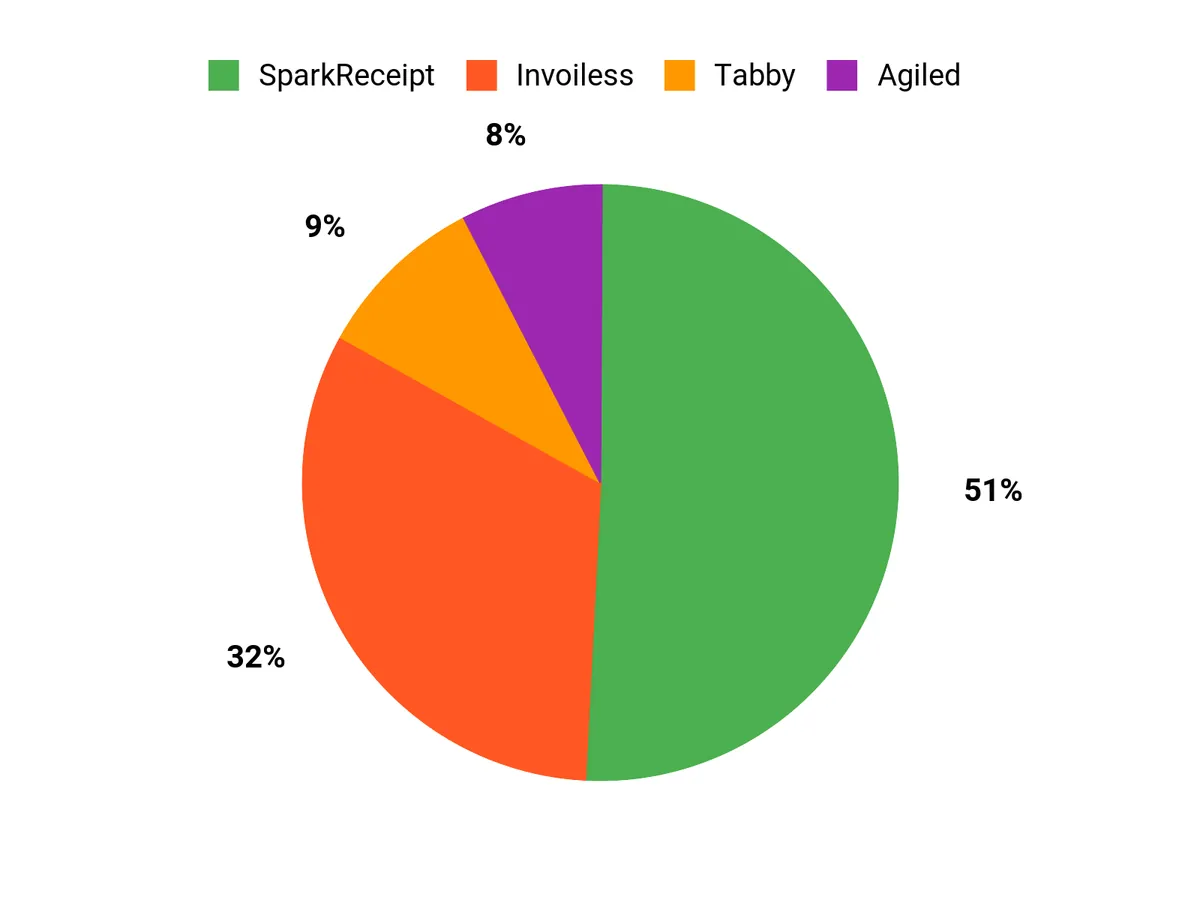
When youre choosing between Tabby, Dodo Payments, and Invoiless, you typically prioritize which core capability matters most—payments flexibility vs. invoicing automation or a combined workflow—along with lifetime cost, transaction fees, and how easily the tool integrates with your existing systems. You also care about ease of use, security and compliance, and responsive support, so you’ll pick the product that best matches your transaction volume, workflow preferences, and long-term peace of mind.
Wrapping Up
Buying one of these lifetime tools can cut your recurring software spend and streamline tax preparation if you pick one that matches your workflow. If you need automated bookkeeping and tax-ready reports, consider Tabby.
If you handle international sales or subscription billing, Dodo Payments is made for that use case. For branded invoicing and recurring billing at a low price, choose Invoiless. If you want a single platform to manage projects, invoices, and teams, Agiled brings breadth.
If receipt scanning and fast expense capture are your priority, SparkReceipt gives the best AI-powered value. Compare features, check integrations with your bank or accountant, and pick the tool that reduces the most manual hours for you before 2026.
| Product | Image | Rating | Best For | Unique Highlights |
|---|---|---|---|---|
| Tabby | 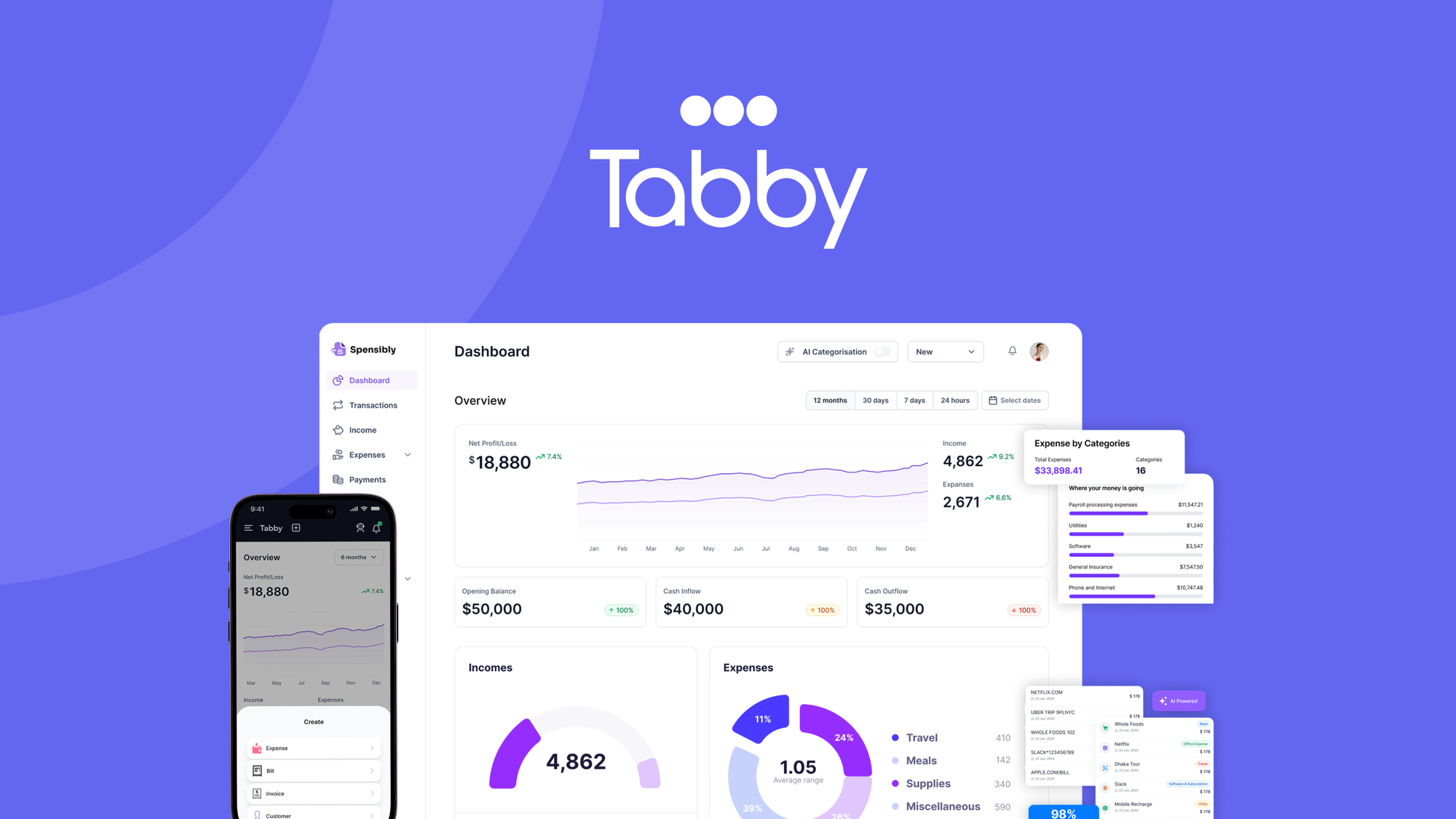 | 4.6/5 (11 reviews) |
|
|
| Dodo Payments | 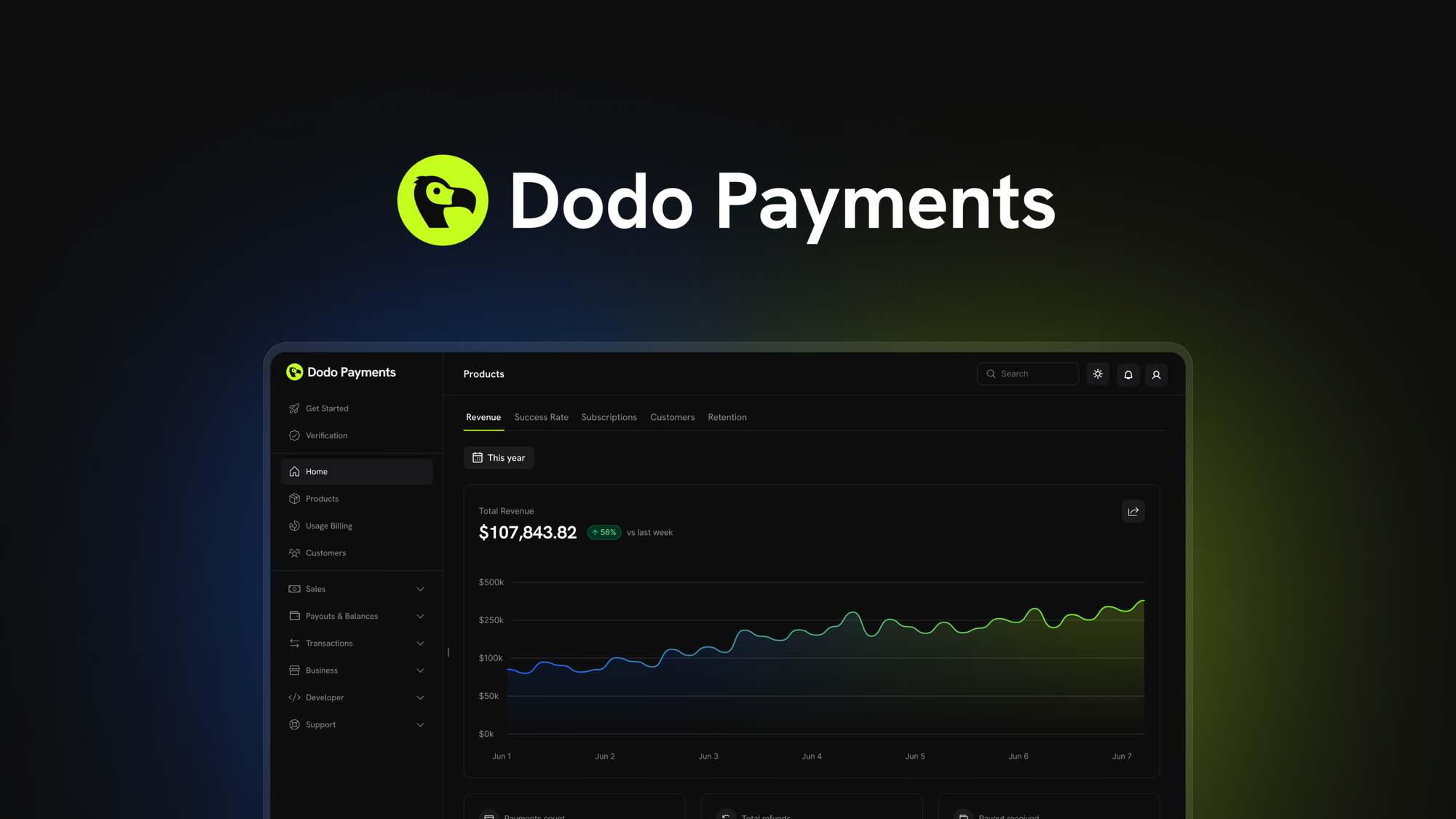 | N/A |
|
|
| SparkReceipt |  | 4.89/5 (179 reviews) |
|
|
| Agiled |  | 4.0/5 (893 reviews) |
|
|
| Invoiless |  | 3.2/5 (73 reviews) |
|
|
This Roundup is reader-supported. When you click through links we may earn a referral commission on qualifying purchases.